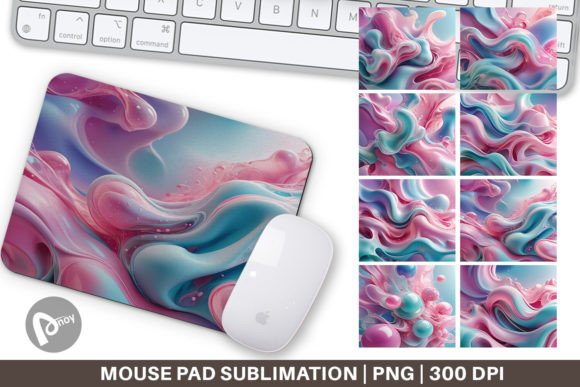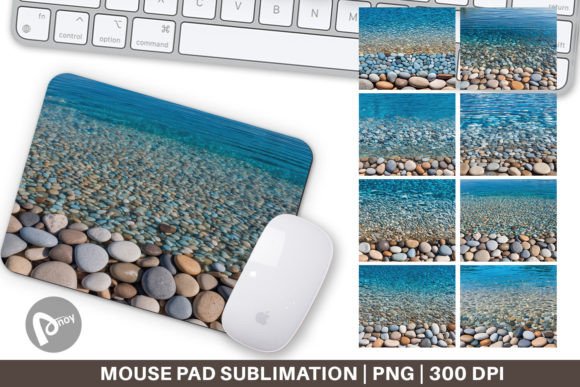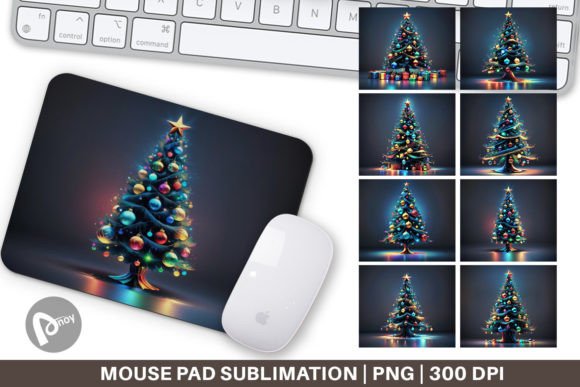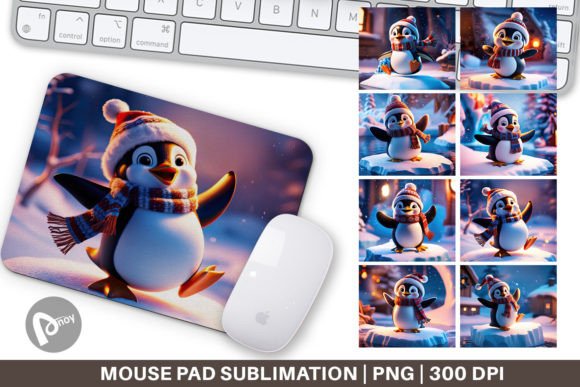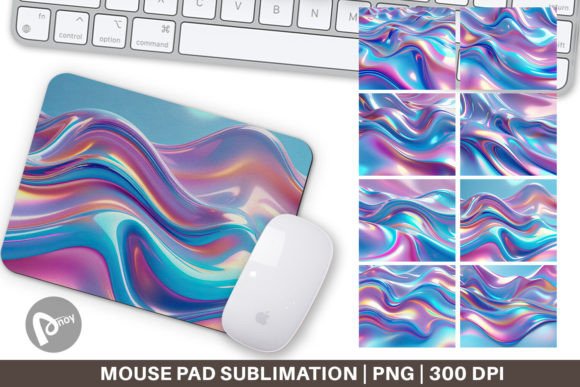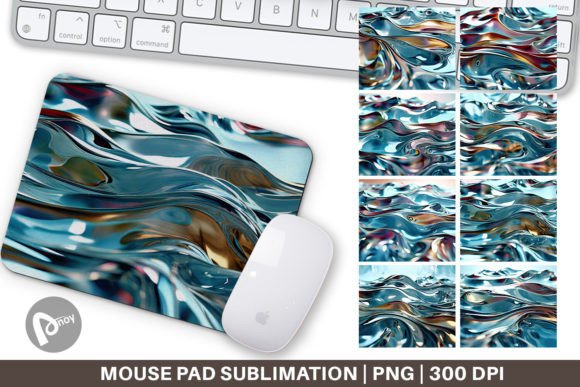
Mouse Pad Liquid Metal Flow: Style Meets Productivity
Your desk is more than a surface for a keyboard and monitor. It is where ideas take shape, deadlines are met, and creative work unfolds. Yet many workspaces feel sterile or cluttered, with accessories chosen for utility alone. Enter the Mouse Pad Liquid Metal Flow—a design-forward accessory that transforms your desk into a visual anchor while supporting precision and comfort. This isn’t just a mouse pad; it’s a tool that merges liquid metal aesthetics with the practical benefits of sublimation printing, giving you a surface that looks striking and performs reliably.
Whether you are a designer refining a brand identity, a gamer setting up a battlestation, or a freelancer juggling client work, the way your workspace looks and feels directly affects your focus and workflow. A thoughtfully designed mouse pad can ground your setup, reduce friction (literally and figuratively), and serve as an everyday reminder that creativity and function belong together.
What Makes a Mouse Pad Liquid Metal Flow Unique?
At its core, this type of mouse pad uses sublimation printing to embed the liquid metal pattern directly into the fabric or coating of the pad. The result is a seamless, high-resolution image that doesn’t peel, fade, or wear off over time. The visual effect mimics flowing mercury, polished chrome, or molten alloys—a shifting surface that catches light from different angles and changes tone as you move your mouse across it.
But the appeal goes beyond looks. The sublimation process ensures the surface remains smooth and consistent, which is essential for both optical and laser sensors. Whether you are doing precise vector work in Illustrator or executing rapid flicks in a fast-paced game, the tracking stays accurate. And because the design is embedded rather than printed on top, it withstands daily use without showing wear around the edges or under your wrist.
The size—9.5 x 8.1 inches—is another deliberate choice. It is large enough to accommodate a mouse with room for sweeping movements, yet compact enough to fit on a crowded desk alongside a keyboard, notebook, or tablet. The 300 dpi resolution of the provided PNG files means you can reproduce the pattern with sharp detail, making it suitable for both personal use and small-batch production if you plan to create custom pads for clients or your own brand.
Creative Possibilities with a Liquid Metal Surface
The liquid metal flow pattern is not a single look. It is a family of visual effects that can be interpreted in many directions. Depending on the color palette, contrast, and flow direction, the same base concept can evoke completely different moods and suit different audiences.
Abstract Futurism for Digital Creatives
A silver-and-black gradient with sharp highlights gives the pad a high-tech, almost cybernetic feel. This style works exceptionally well for UI/UX designers, 3D artists, and developers who want their desk to reflect the digital tools they work with. Pair it with a minimalist white keyboard and a sleek monitor stand, and the pad becomes a focal point that ties the whole setup together. The reflective quality of the design also helps break up dark, monochromatic desks without adding visual clutter.
Warm Metallic Tones for Branding and Content Creation
Liquid metal doesn’t have to be cold. Gold, copper, and brass-toned flow patterns introduce warmth and richness. These are particularly effective for content creators, photographers, and brand strategists who often showcase their workspace in videos or social media posts. A warm metallic mouse pad reads as premium and curated, elevating the overall aesthetic without requiring a full desk overhaul. It also complements wood surfaces, leather desk mats, and neutral-toned peripherals.
High-Contrast Organic Flow for Gamers
For gaming setups, consider a pattern where the liquid metal appears to ripple or collide—veins of bright silver cutting through a dark background, or molten orange against deep charcoal. This style leans into motion and energy, matching the dynamic nature of gaming. The high contrast also makes it easier to spot your mouse against the surface in low-light conditions, which is a practical benefit during late-night sessions.
If you are designing for a specific game genre—say, racing, shooters, or strategy titles—you can even customize the flow direction. A horizontal flow suggests speed and motion, while a radial, vortex-like pattern draws the eye inward and creates a sense of focus.
How Different Users Can Adapt the Design
The same PNG file can serve multiple purposes depending on your audience and platform. Here is how different professionals might approach it:
- Small business owners selling custom desk accessories can offer the liquid metal flow as a tier-one design option. Because it is abstract and non-branded, it appeals to a wide demographic—from architects to streamers. You can market it as a premium upgrade over standard printed designs, emphasizing the durability of sublimation.
- Bloggers and educators creating content about desk organization or productivity can use the mouse pad as a visual prop. A well-designed pad signals attention to detail and helps establish credibility. Zoom calls, YouTube thumbnails, and product flat lays all benefit from a surface that looks intentional rather than generic.
- Graphic designers can use the liquid metal concept as a jumping-off point for their own custom runs. By tweaking the colors, contrast curves, or overlay textures, you can create a series of limited-edition pads that reflect your personal style or meet a client’s brand guidelines.
- Hobbyists and makers who print their own sublimation products can experiment with different fabric textures or base colors beneath the pattern. A matte finish softens the metallic look, while a glossy coating makes the flow appear almost three-dimensional.
Practical Recommendations for Best Results
To get the most out of your Mouse Pad Liquid Metal Flow, consider these practical points:
- Surface consistency matters. Even though the pad is designed for smooth tracking, make sure your desk is clean before placing it down. Dust or crumbs under the pad can create bumps that affect both comfort and mouse movement. A quick wipe before each session keeps the surface predictable.
- Pair with neutral or complementary peripherals. The liquid metal pattern is visually busy by design. Let it stand out by keeping your keyboard, mouse, and other accessories relatively simple. Solid colors, matte finishes, and minimal branding keep the focus on the pad without competing for attention.
- Use high-resolution source files. The PNG files you receive are 300 dpi at 9.5 x 8.1 inches. When printing, avoid scaling up beyond the intended dimensions, or you risk losing sharpness. If you need a larger pad, request a custom source file or use vector-based alternatives to maintain crisp edges.
- Consider the lighting in your room. Liquid metal patterns reflect and shift under different lighting conditions. Test your pad under natural daylight, warm overhead lights, and LED strips to see how it behaves. This is especially important for gamers who use RGB lighting, as colored LEDs can tint the metallic surface and change the look.
- Keep the pattern aligned with your workflow. If you use your mouse primarily on the right side, place the pad so the flow direction guides the eye naturally toward your screen. A vertical flow can make the desk feel taller and more organized, while a horizontal flow widens the visual field.
Why Creative Design Supports Productivity
It is easy to dismiss a mouse pad as a minor accessory, but the objects you interact with every day shape your mindset. A desk that reflects your taste and supports your tools creates a sense of ownership and calm. You don’t need an elaborate overhaul—sometimes one carefully chosen element is enough to shift the energy of the space.
The Mouse Pad Liquid Metal Flow works because it does two things at once. On a practical level, it provides a consistent, comfortable surface that reduces fatigue and improves tracking. On a creative level, it introduces movement, depth, and a nod to the industrial beauty of liquid metal. It is a small detail that rewards attention without demanding it.
For freelancers and remote workers, this kind of design choice signals professionalism to clients who see your workspace on calls. For gamers, it adds to the immersive atmosphere of a rig that feels personal. For creators and marketers, it is a blank canvas that already looks distinctive—ready to be interpreted, customized, or shared.
Staying Original Without Overcomplicating
The liquid metal flow pattern is abstract enough to avoid cliché, but it still benefits from a thoughtful approach. If you are creating multiple pads for yourself or for a collection, vary the color temperature between designs. A cool silver pad pairs well with blue or purple lighting, while a warm gold pad works under soft white or amber tones. This gives your audience options without overwhelming them.
When presenting the pad in a product listing or portfolio, show it in context. A photo of the pad alone does not communicate scale or texture. Place it beside a keyboard, a notebook, or a coffee mug so viewers can immediately imagine it in their own space. If you are writing about it on a blog, describe how the pattern interacts with the light in your room and how it feels under the wrist after a few hours of work.
Consistency in your creative application also matters. If you build a brand around futuristic or industrial aesthetics, the liquid metal pad reinforces that identity across every touchpoint. If your style is more organic or earthy, use a muted metallic tone with softer transitions to keep the look grounded rather than flashy.
Final Thoughts on Practical Inspiration
A mouse pad will not write your copy, win your game, or design your logo. But it can make the space where you do those things feel more like yours. The Mouse Pad Liquid Metal Flow offers a rare combination: a design that is visually arresting without being distracting, and a manufacturing process that ensures it lasts. Whether you are printing a single pad for your desk or producing a limited run for your audience, the liquid metal flow pattern gives you a versatile, high-quality starting point.
Start with the PNG files, experiment with color and placement, and let the rest of your setup follow the lead. A desk that looks good and works well is not a luxury—it is a tool for better thinking.